If you run a nursery in England, the way Ofsted grades you has changed, and your website probably needs updating to match. This guide explains what’s new, the one rule you must follow when you share your report, and how to set up an Ofsted page on your website that helps parents choose you.
What has changed
For twenty years, “Outstanding” was the word every nursery wanted. You put it on the banner outside, the homepage and the Christmas card, and parents knew what it meant.
That’s gone. Since November 2025, Ofsted has inspected nurseries in England under a new framework. Instead of a single grade, you now get a report card with findings across several areas and no one headline word. In February 2026, Ofsted also gave every setting a QR code badge that links straight to its report.
Look at a few nursery websites and you’ll see the problem. Many still say “Ofsted Good” from an inspection in 2022, which is a bit like showing your prices from 2019. Some have removed any mention of Ofsted at all, which is worse. Here’s how to do it properly, within the rules, in a way that helps parents decide.
The rule about sharing your report
Ofsted’s Chief Inspector, Sir Martyn Oliver, has said that schools, colleges and nurseries “are free to promote and celebrate their successes in any way they wish”. But if you share wording from your report card in public, Ofsted says it “should only be displayed alongside their official QR code badge”. So you can quote your report, as long as the badge sits next to the quote and parents can scan it to read the whole thing.
You can download your badge from your setting’s page on the Ofsted reports website. Ofsted hasn’t said what happens if you quote the report without it, but a nursery that does so now looks like it’s hiding something.
If your last inspection was under the old system, you can still say so. For example: “Rated Good by Ofsted in March 2023. Our next inspection will be under the new report card system.” It’s honest, it’s dated, and it shows parents you’re up to date.
What parents want to know
Picture a parent at ten past seven in the evening. Their child is finally asleep and they’re on their phone, trying to find out a few things:
- Will my child be safe and happy here?
- Do you have a place, and when?
- What will it cost after the funded hours?
- What does a normal day look like?
- What do other parents say?
Your Ofsted report answers the first question. Your website has to answer the rest, and it has to work well on a phone, because that’s what parents use.
How to set out your Ofsted page
Top of the page: your badge and what Ofsted found
Start with your QR badge, the date of your inspection and a line or two in your own words. For example: “Ofsted visited us in June 2026. This is what they found, and what we’ve been working on since.” Underneath, add two or three short quotes from the report, with the badge next to them. Choose quotes about the children rather than the paperwork. “Children arrive happy and settle quickly” means something to a parent. “Leaders have a clear vision” doesn’t.
Middle: what you’re improving
Very few nurseries do this, and it builds more trust than anything else on the page. Every report card has something to work on. Say what it was, what you’ve changed and when. For example:
“Ofsted asked us to give the under-twos more time outdoors. Since September the garden has been open every morning, rain or shine, and every child has their own waterproofs.”
That one paragraph tells a parent more about your nursery than any grade could.
Bottom: the next step
Show spaces by room and start month. Show your fees, with a worked example of what a parent pays once their 15 or 30 funded hours are taken off. Add a link to book a visit. Then add a waiting list form that asks for four things: the child’s date of birth, when they’d like to start, which days, and whether they’re using funded hours. With those, you can call back with a real offer.
Two things that help fill your places
A waiting list that’s kept up to date
Many nurseries are full in one room and have spaces in another, but their website doesn’t say so. A parent who sees “full” leaves and doesn’t come back. A parent who sees “baby room full until March, two places in pre-school from January” joins the list for the room they need. Update it once a month and copy the same line onto your Google Business Profile.
Reviews from parents, where parents look
Two places matter most. Google, because that’s where “nursery near me” searches happen. And daynurseries.co.uk, which lists over 15,000 nurseries, has published around 250,000 reviews and says it connects over 3.5 million families a year. The best time to ask for a review is at the end of settling in, while parents are still relieved. Ask again when the child moves up a room. Reply to every review by name, in your own words.
Set up your Google Business Profile for parents
Add your real opening hours, including early drop-off and late pick-up, because Google tends to show settings that are open when a parent searches. In the services list, use the words parents type, such as “baby room”, “forest school”, “funded hours” and “wraparound care”. Add recent photos of the garden, the rooms and the meals. And include a link to your Ofsted report.
A note on photos
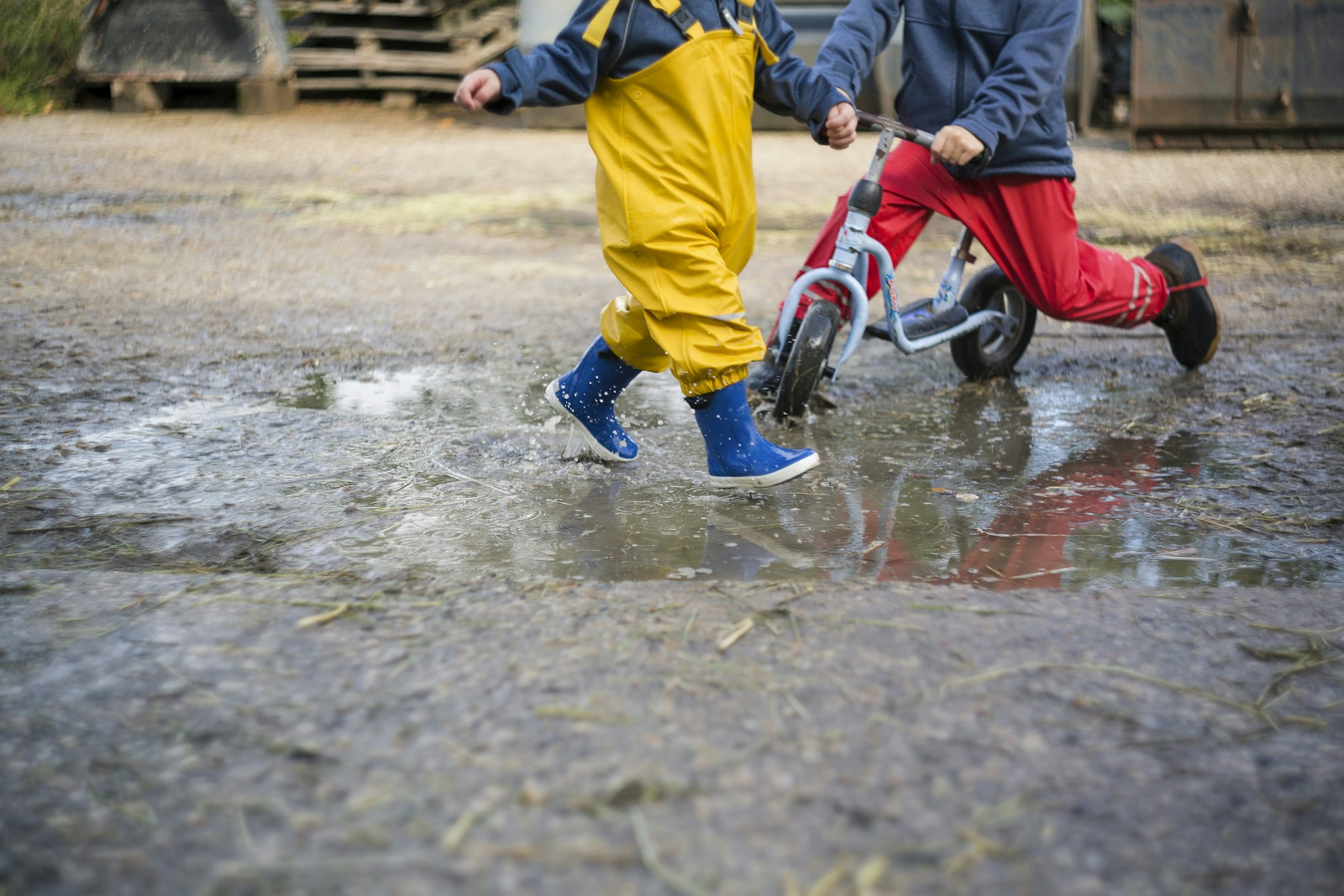
You know the safeguarding rules better than anyone. Photos of children’s backs, hands, wellies and artwork, taken at your nursery, work far better than stock photos of smiling models. Parents can tell the difference. Ten real photos of your garden on a rainy day say more than a gallery of sunshine from a photo library.
Putting it all together
You don’t need a big website for this. An Ofsted page, a fees and funding page, a rooms and spaces page, a book-a-visit page and a contact page makes five pages. That’s what our Essential package covers, if you’d rather we built it for you.
The one-word grade used to do the talking for you. Now your website can do it, and it can tell parents far more than one word ever did.